

TDX 2026 unveiled Salesforce’s new direction towards a “headless” future, with Headless 360 headlining (pun intended). “No Browser Required”, they said, which sent me into a slight panic as an admin. This has sparked a conversation that keeps happening across the Salesforce ecosystem right now, which isn’t exactly a positive one.
I admit, if someone mentions “headless” in a room (virtual or otherwise), I’d be silent as I honestly wouldn’t want to admit I have no idea what they’re talking about. I’m sure I’m not the only one, and that silence is definitely a communication failure. But is it the community’s fault? Or Salesforce’s?
In this article, we break down what headless architecture is, how Salesforce built it with Headless 360, and why the panic – while understandable – may be slightly misdirected.
What Does “Headless” Actually Mean?
Headless architecture isn’t new. In fact, Timo Kovala had this predicted in one of his articles last year, stating that “headless agents may end up replacing sales coaches, SDRs, and service agents as the future value drivers of Agentforce”.
Headless architecture has been a standard pattern in web development for the better part of a decade. In a traditional application (the one most of us are used to in Salesforce), the frontend (what you see) and the backend (the data and logic) are tightly coupled. One talks to the other through predefined screens and flows. The “head” here is the frontend UI, or the screen/display that users click through.
When one goes “headless”, it essentially decouples the frontend and the backend. The backend exposes its data and logic through APIs, and the frontend can now be anything – a website, a mobile app, a voice interface, or even…you guessed it, an AI agent.
This pattern took off in content management way back in 2015. Headless CMS platforms were built on the premise of separating your content from how it’s displayed. E-commerce utilizes the same concept as well, where the idea was that retailers could power a website, a native mobile app, and an in-store kiosk from the same data layer, all without “rebuilding” the backend three times.
So, by the time Salesforce announced Headless 360 last month, “headless” had been a mainstream architecture pattern for years. Despite Salesforce’s marketing tone that seems to make this sound like some revolutionary new feature, backend developers have been building and consuming REST APIs for longer than most current Salesforce Admins have been in the ecosystem.
“Headless” in Salesforce Context
I know by now “Headless 360” may just feel like some sort of rebranding exercise. However, it isn’t that shallow, and is actually a genuine architectural refactor of the entire platform. Understanding how it applies to the current Salesforce ecosystem is important if you want to make better sense of all the noise.
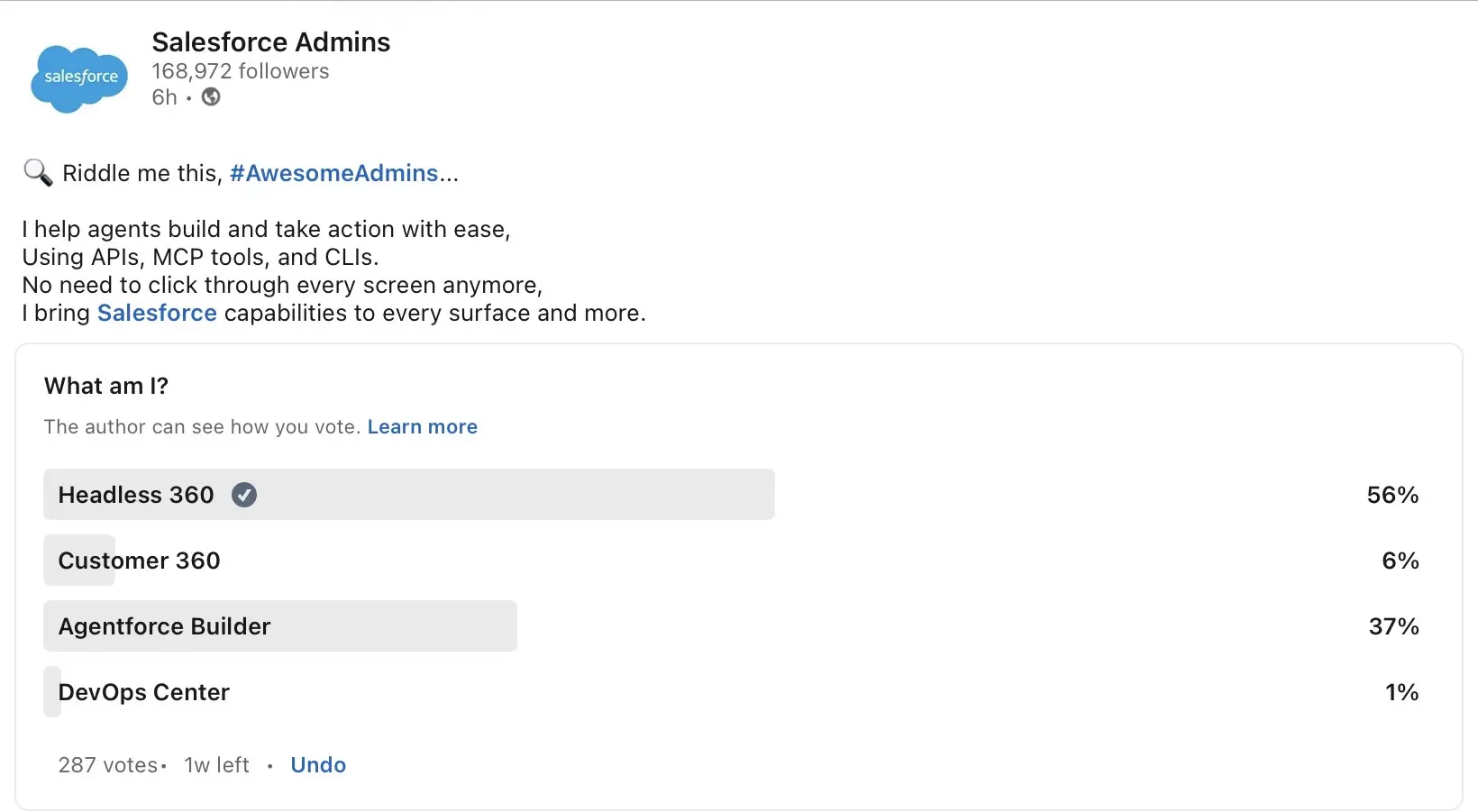
At its core, Headless 360 exposes everything on the Salesforce platform as one of three access patterns:
- APIs (REST/GraphQL calls to retrieve data or trigger actions).
- MCP tools (Model Context Protocol, a standard for AI agents to consume capabilities as tools).
- CLI commands (terminal-based access to org operations and deployments).
The result is that an AI agent can interact with your entire Salesforce org without ever opening a browser. This is what backs Salesforce’s “No Browser Required” tagline. The agent can do as much as query records, trigger flows, run tests, manage permissions, etc., all through direct programmatic access.
How Salesforce Implements Headless 360
The announcements at this year’s TDX revealed three distinct capability sets that make the headless model possible in Salesforce.
1. The Developer Toolset
Over 60 new MCP tools and 30+ preconfigured coding skills give AI coding agents (like Claude Code, Cursor, or Codex) live access to your Salesforce org from within their own environments. This is significant because it no longer calls for context switching. Developers can describe what they want in natural language, and their coding agent executes directly against the org.
The DevOps Center MCP extends this into CI/CD pipelines, where Salesforce claims up to 40% faster cycle times. What used to require separate tools can now be done simply by giving an agent (in natural language) instructions to execute.
React support is also a part of this, as developers can now build fully custom interfaces using any design system connected to org metadata via GraphQL. This inherits all platform security controls automatically, and is a significant departure from Lightning’s component model, which isn’t exactly the most flexible.
2. The Agentforce Experience Layer (AXL)
I believe this is the part that got lost in the “no UI” noise, and is arguably the most important one for understanding what Headless 360 actually means in practice.
The Agentforce Experience Layer is actually a UI service. It separates what an agent does from how the results appear on screen. Developers can build interactive components like approval cards, decision tiles, data summaries, etc. that render natively across Slack, Teams, mobile, voice, and even third-party surfaces like Claude. The agent operates on the platform headlessly, but the results can still surface through other interfaces – wherever your users already are.
So technically, when you think about it, Salesforce didn’t kill the UI. Instead, they decoupled it.
3. Agent Lifecycle Management (ALM)
Salesforce has been releasing so many developments to make building and deploying an agent easy for admins and devs alike. But as we all know, building and deploying things in Salesforce is only part of the story. Knowing something will still behave correctly six weeks after launch, across every unusual case, is where most implementations tend to fall apart.
Given the inconsistent behavior of AI, the usual debugging and testing done with Flow and Apex would not be applicable here. Headless 360 addresses this with a full suite of lifecycle tooling, like Testing Center and Custom Scoring Evals.
Even Agent Script is now generally available, so during the build phase, you can already define exactly where an agent can reason freely and where it’s supposed to follow explicit rules.
No Browser/UI Required?
I’d like to talk about this phrase in particular, as it seems to be the culprit that caused real confusion.
“No browser required.” “Why should you ever log into Salesforce again?”
These lines came from Salesforce’s own announcement and keynote framing. Granted, they were used at TDX’s main keynote and clearly aimed at developers, but they hit the entire ecosystem.
From the perspective of a Salesforce Admin who has spent years building automations in Flow, managing page layouts, and configuring declarative tools through “clicks not code”, hearing “no browser/UI required” from the company whose UI you’ve built your career around is not exactly inspiring.
The instinct to panic is completely rational given that angle, even if the underlying reality is far less threatening and isn’t even a new form of architecture. Coupled with the talks of the evolution of the admin role and AI potentially taking our jobs, it makes sense to feel that it’s getting existential.
For what it’s worth, Salesforce was directly asked this (by none other than Christine Marshall) at True to the Core during TDX. They answered that they don’t believe these changes will reduce the need for admins. Parker Harris also said something that probably should have been in the main keynote:
“Headless is not an excuse for us not to build great UI.”
Final Thoughts
At the end of the day, Salesforce’s decision to roll out Headless 360 is a good thing. It’s a technically sound bet on where enterprise software is heading nowadays. Since the architecture has been around for some time, it’s proven.
The sentiment and confusion around this is real, but for now, it’s primarily a developer story. MCP tools, CLI commands…these aren’t features that most admins are expected to pick up on a daily basis. And despite Salesforce opening more doors for admins to transition into code, the line between admin and developer was never as thin as Salesforce made it sound.
If you’re an admin reading this and still feeling a little uneasy, consider this: the automations you’ve built, the flows and permissions holding your org together, the data model your team refined…all these are exactly what make agents useful. The context that agents connect to to execute actions or make decisions is there because of your work, and no amount of architectural refactoring changes that.
The silence in the room and the pause in your head when someone talks about “headless” architecture will continue to exist. But it has little time to last because now you know exactly what they’re talking about.