

Every time the Salesforce release notes are published, I jump straight to the Salesforce Flow section – there’s always so much great content there that will make the lives of Salesforce Admins a lot easier. The Spring ‘26 update has introduced some wonderful new features as well as the usual quality-of-life improvements that come with each release – all of which are worth shouting about!
This update comes with some great new features and enhancements to everyone’s favourite declarative automation tool, Salesforce Flow.
1. Message Component for Screen Flow
If you’ve been saving different banner styles in Custom Labels to then style alerts in your Flows, you can save a few clicks with the new Message component in Spring ‘26.
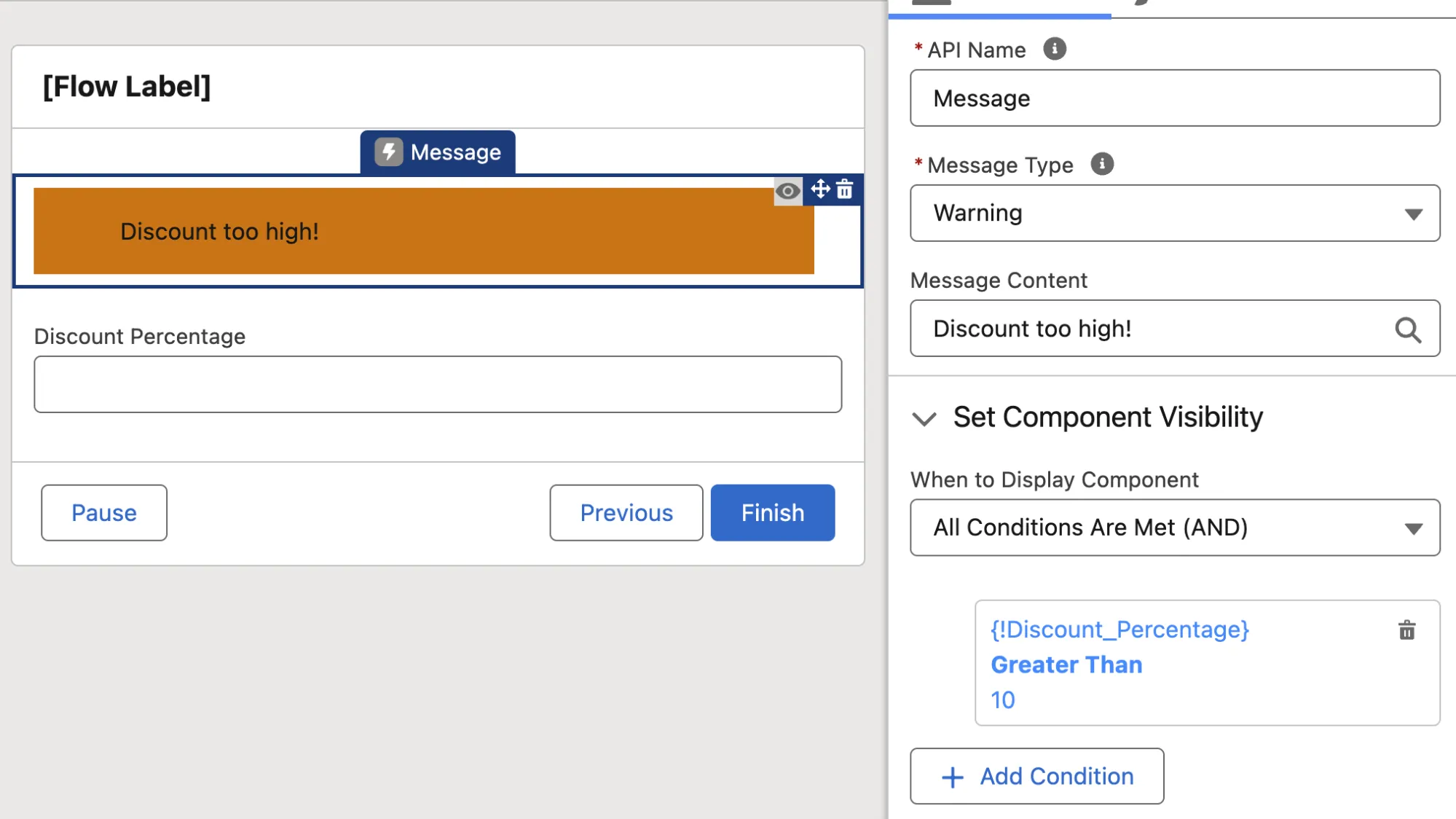
Simply populate your message and select the Message Type (Info, Success, Warning, or Error) and have it dynamically displayed based on criteria on the Screen or in your Flow. Another great way to bring your Screen Flows to life!
2. Flow Logging in Automation App with Data 360
The Automation App has a new tab and new functionality along with it! Now, when you choose to store your Flow run metrics in Data 360, you’ll have a dedicated Lightning Page to manage them in.
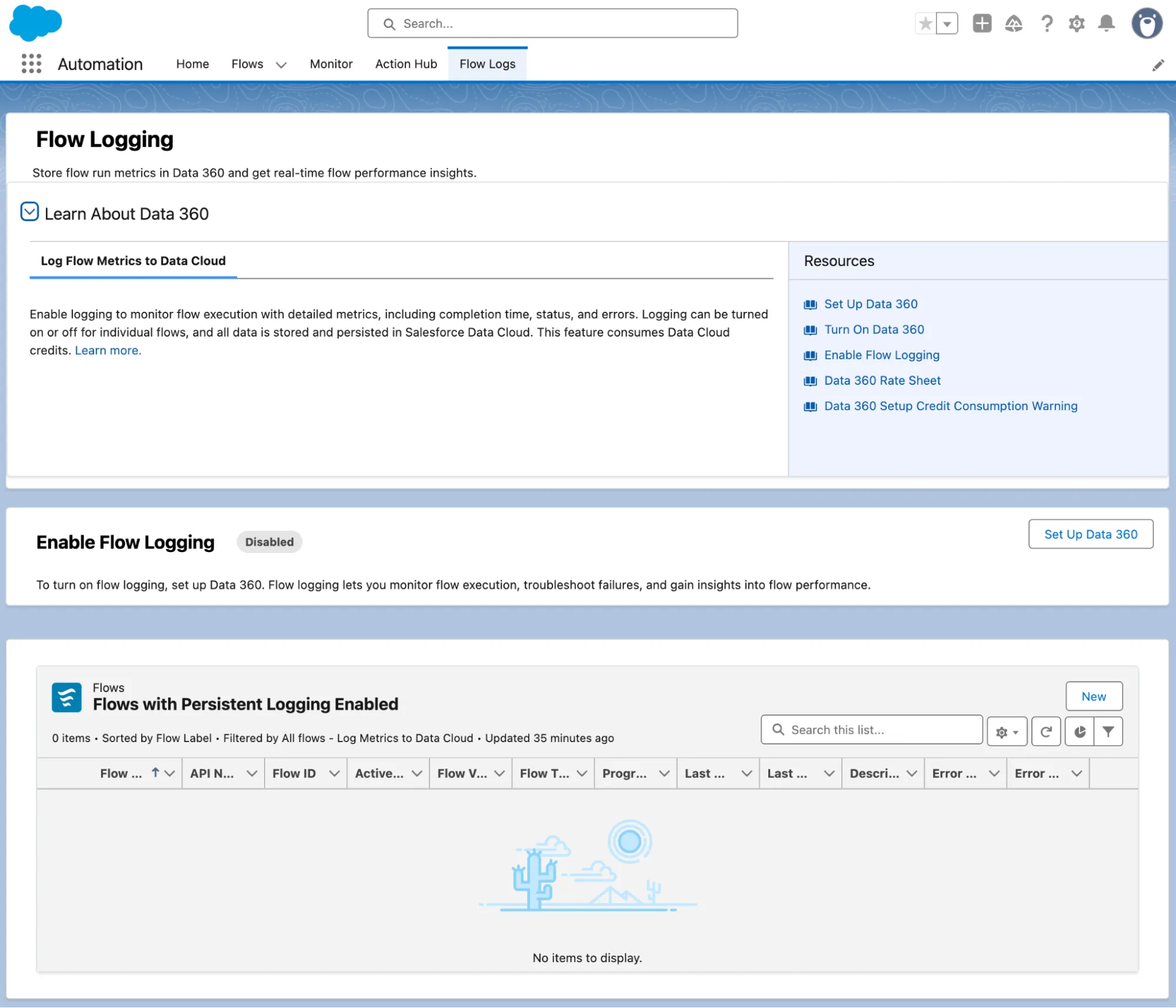
Unfortunately, my Developer org does not have a Data 360 subscription available for me to set up, so I couldn’t demo this feature much more than just showing you the splash screen, but it seems fairly self-explanatory.
3. Custom Styling for Screens in Flow Builder
With Spring ‘26, you can take direction from your extremely talented design team and change the color of various elements of the Screen in your Screen Flows. This is accessible through a new Style tab in the properties panel in a Screen element.

You can change the color of buttons, borders, backgrounds, and text elements throughout the page. It’s handy, albeit a bit fiddly. Unfortunately, you cannot use a variable or formula as a color value or text size value. This would’ve been nice, and I can imagine it will come in a future iteration.
4. Additional Component Styling Properties
In addition to being able to style the Screen itself, there are also new styling capabilities for individual components. You can change the colors for various parts of the component itself, which allows for some wild-looking screens.
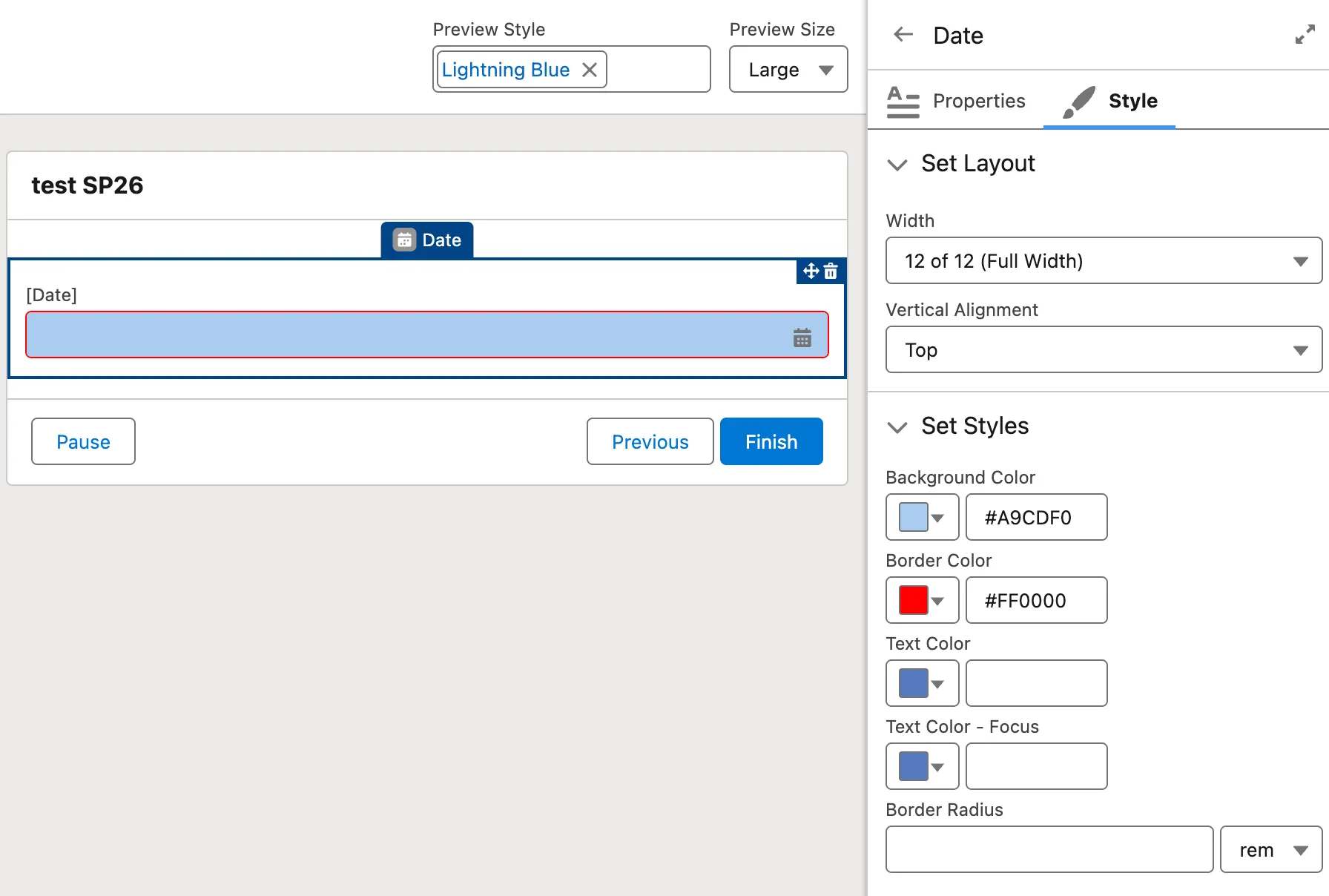
This is available on components such as Text, Number, Date, and Date/Time, but not for more complex components like Email, Phone, or Address. It would be extremely helpful if you could set the values of the color properties to variables or formulas, as this would help with uniformity (rather than copying and pasting the same value in multiple places).
5. Collapsible Decisions and Loops in Flow Canvas
If you’re still working with extremely complex Flows, you can now collapse your Decisions and Loop elements on the Flow Canvas.
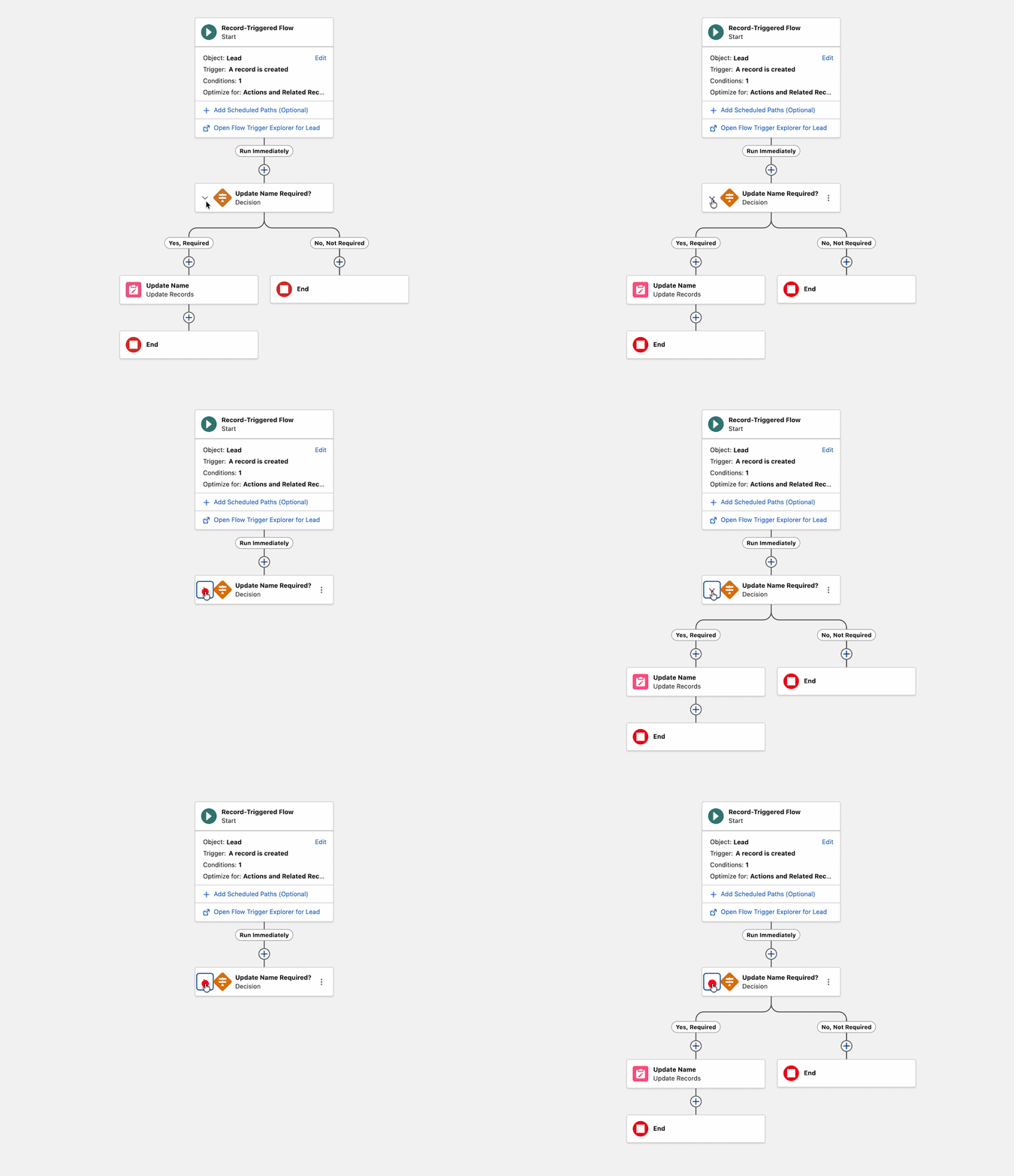
This will help to clear the visual clutter, allowing you to focus on fewer items at once.
6. Scrolling Support in Flow Canvas
Exactly as it says on the tin: Spring ‘26 brings the ability to scroll your Flow Canvas.
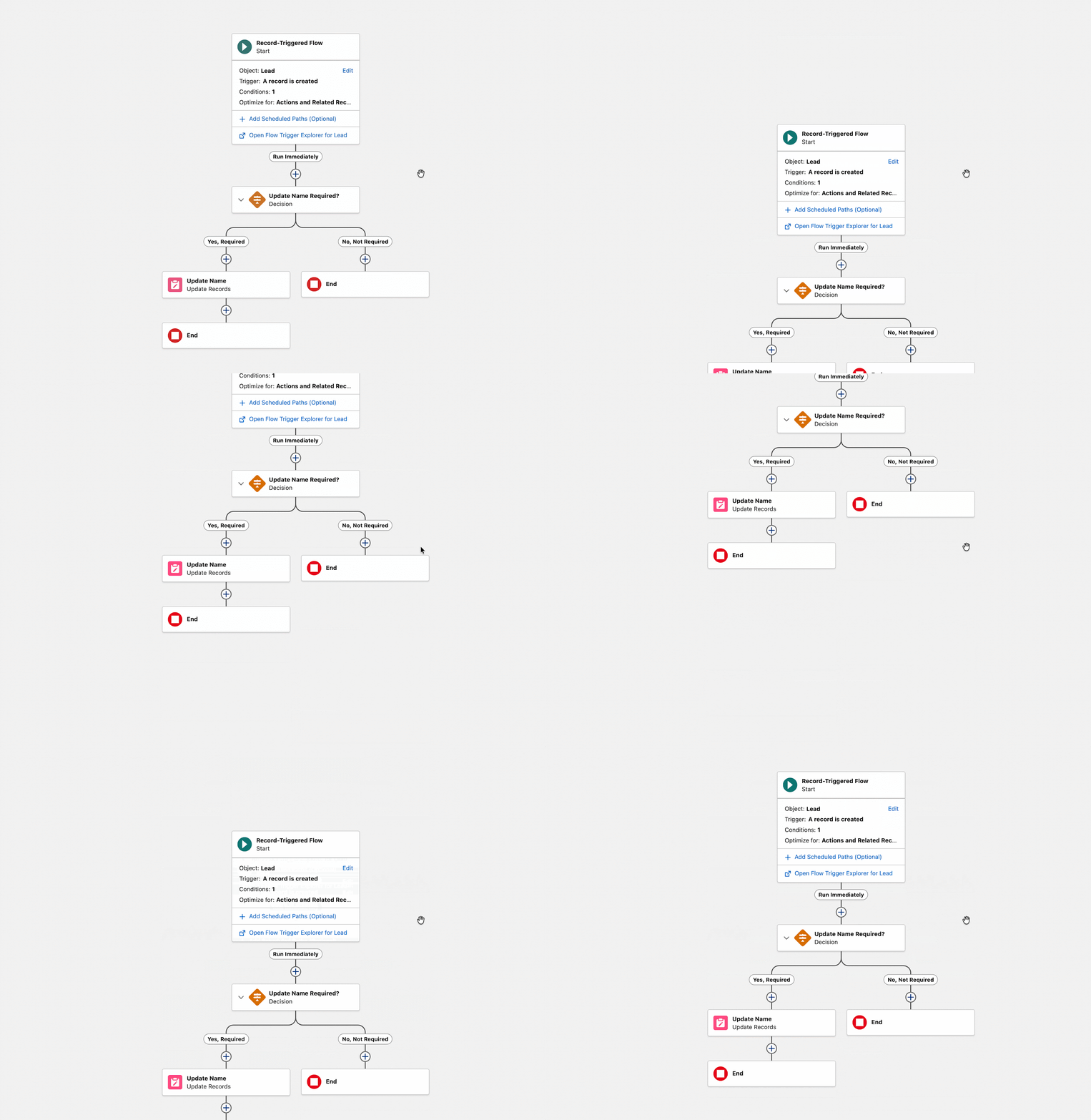
Many people had previously used third-party Chrome plugins to do this, so it’s great to see Salesforce making this a native feature.
7. Kanban Board Component in Screen Flow
The Kanban Board component in Salesforce Screen Flow allows the Flow Designer to embed a Kanban Board to visualize records to help users manage their work.
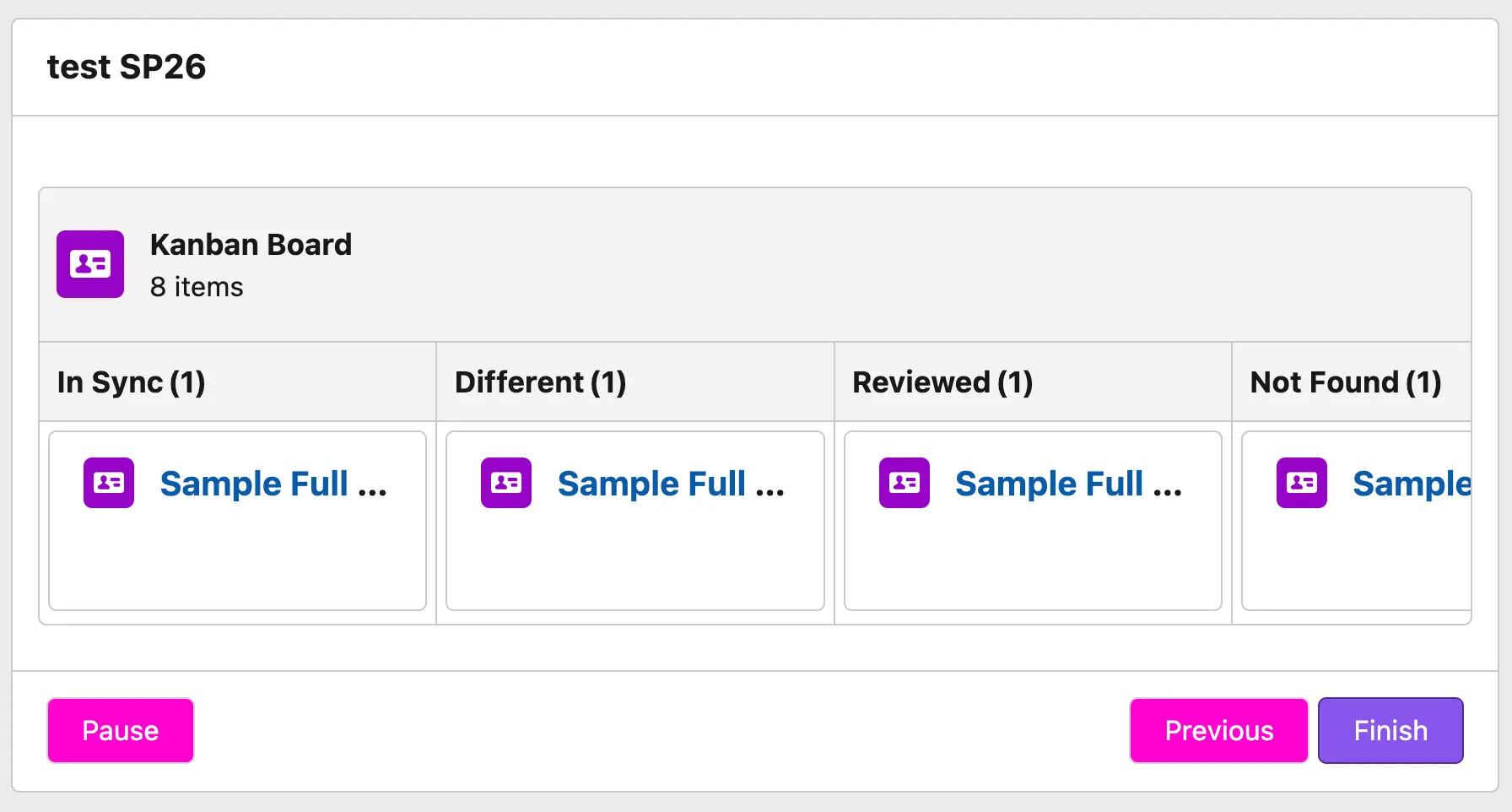
Unfortunately, the Kanban Board is read-only, and there’s currently no way to interact with the board. I am confident that this is coming in a future release, as we’ve recently seen in relation to the Data Table component for Screen Flow.
8. Additional Object Support for Record-Triggered Flow
You can now create Record-Triggered Flows on Content Document and Content Version records. This means that as Files are created or updated, a Flow can be triggered to run.

I’ve seen requirements like this come across my desk in projects I’ve worked on in the past, so I know for a fact that there are some very beneficial use cases for this.
9. Debug Input Variables Persist Between Runs
When debugging your more complex Flows, it can get a bit repetitive when you’re toward the end of testing and need to populate debug values, run the debug, edit the Flow and make a change, and then set up the debug all over again. Spring ‘26 changes this by allowing you to persist debug values between runs.

Now, you can run the debug, edit the Flow, and when you’re ready to debug again, you can simply re-run the debug with the variable values from last time. Neat!
10. Vibe-Flow Building Is Here!
While I unfortunately couldn’t test this one out in my Preview Org, I am ecstatic to see that we’re getting an Agentforce Vibes-like iterative builder for Salesforce Flow.
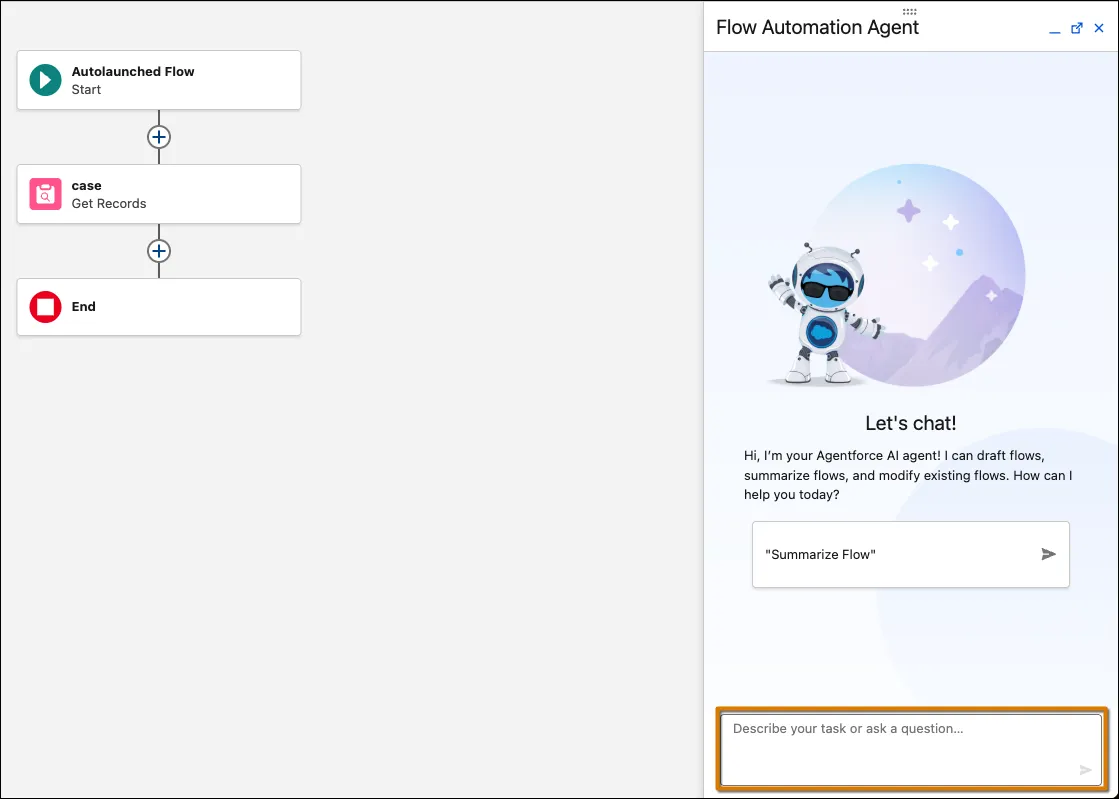
If you’ve used tools like Firebase Studio with Gemini, you’ll know how beneficial it is to be able to work with an LLM to get additions and modifications done using natural language. Flow building has never been so quick… and fun!
BONUS: Make Columns Editable in Flow Data Table Component
There was a bit of back and forth as to whether or not this feature was coming in Spring ‘26, but it’s made its triumphant return to preview orgs and is on track to coming in this release! You can finally make your Data Tables editable in Screen Flows without having to download a third-party component.
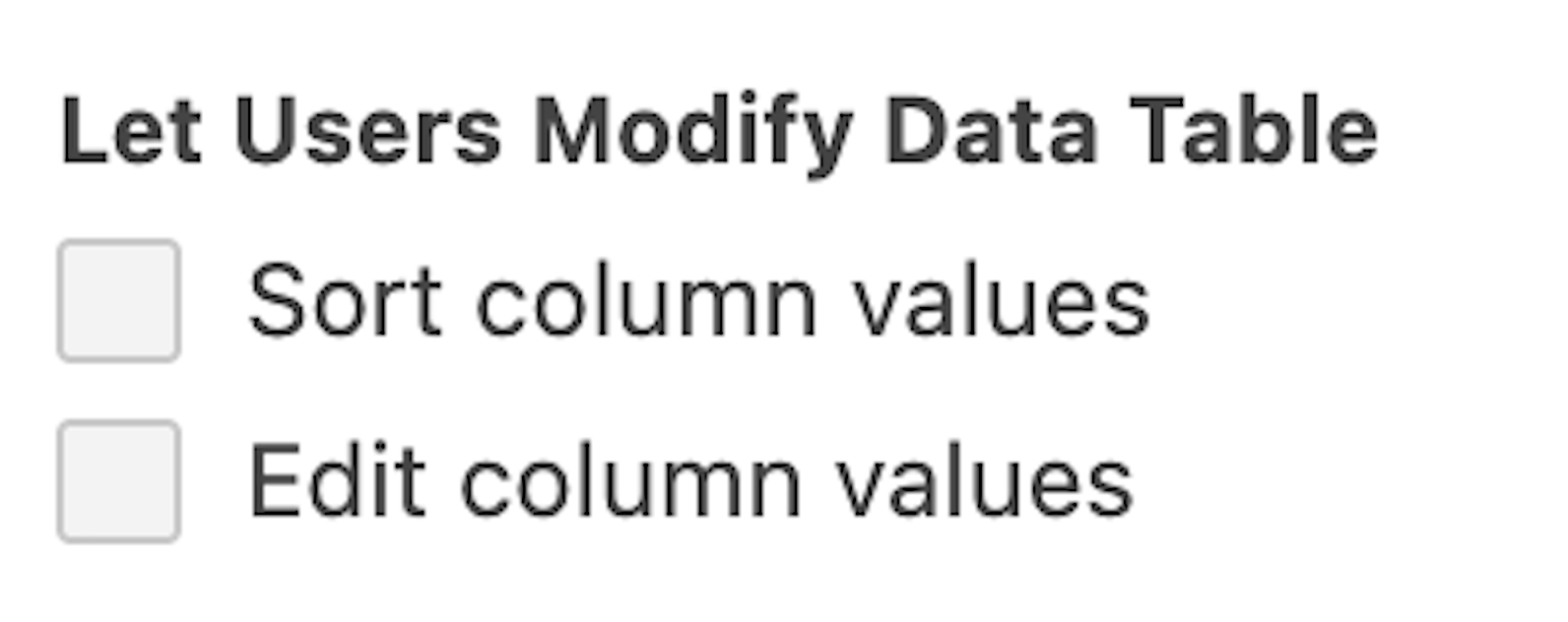
This is one of the most anticipated changes coming in Spring ‘26, and one that many have been asking for for a very long time.
Final Thoughts
Spring ‘26 includes a symphony of substantial enhancements to our favorite tool – Salesforce Flow – as well as some brilliant quality-of-life changes. This release brings numerous high-impact features along with improvements to smaller features and functionality.
These new features are bound to make your job as an admin, developer, or business user much easier and streamlined once they’ve been implemented throughout your org.
Don’t forget to sign up for a pre-release org to take these new features for a spin!
Read More
- 9 Features for Salesforce Developers in the Spring ’26 Release
- Sales Cloud: Top 8 Salesforce Spring ’26 Features
- Top 11 Salesforce Spring ’26 Features for Admins
- Service Cloud: Top 10 Salesforce Spring ’26 Features
- Top 10 Spring ‘26 Updates for Salesforce Marketers