






It should come as no surprise to any seasoned Salesforce professional that new and exciting features are always being added to the product with each major release. Salesforce delivers gifts to us three times a year (Spring, Summer, and Winter in the Northern Hemisphere) in the form of new additions to its platform, such as Salesforce Flow. These changes and enhancements are usually selected through the IdeaExchange’s prioritization process.
But what is the IdeaExchange? What is prioritization? How can you directly impact the development of Salesforce Flow itself?
What Is IdeaExchange?
The Salesforce IdeaExchange was introduced as a way to share ideas with the wider Trailblazer Community and also directly with Salesforce product managers. Salesforce enthusiasts from around the world will post their ideas so that they can be shared and upvoted by others.
If you have a great idea that you think could benefit a large number of Salesforce users, it’s probably an idea worth sharing with the Trailblazer Community through the IdeaExchange!
Make sure you first run a search to see if it’s something that someone else has already posted. If it hasn’t, then share it so that others who also find it helpful can upvote and collaborate with you through the comments.
How Does Voting Work in IdeaExchange?
When an idea is posted to the IdeaExchange, you’ll notice in the top-right that there’s the ability to upvote or downvote an idea. Doing this adds or subtracts a number of points. The higher the points, meaning the more upvotes, an idea has, the more attention it will attract at Salesforce.
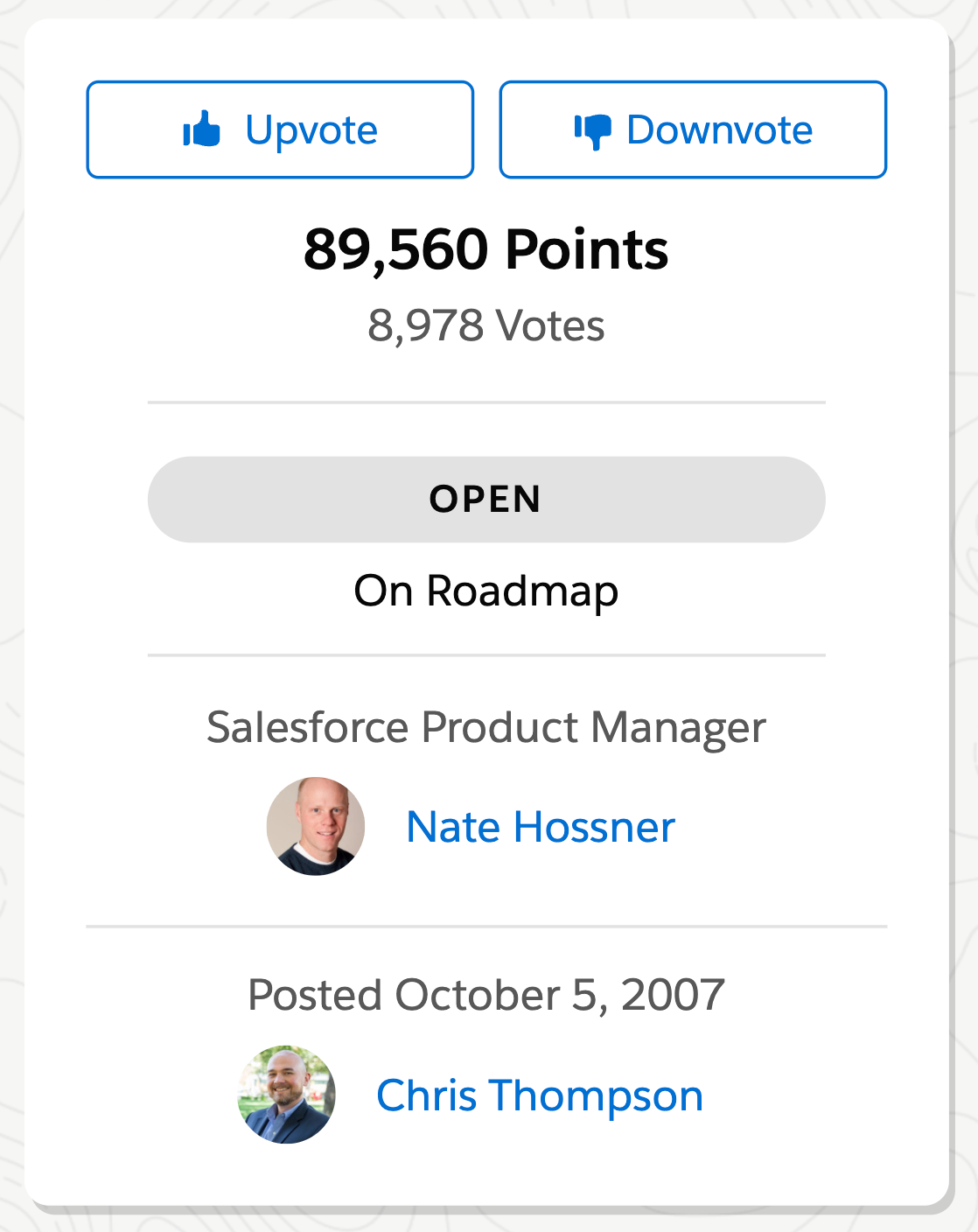
Voting for ideas lets Salesforce know what the wider community would find beneficial, allowing them to prioritize more effectively. According to Salesforce, the top ideas (based on the number of votes they have) are reviewed regularly by Salesforce’s Product Managers. This allows them to identify popular ideas and ensure their internal product teams are working on the most impactful features.
For this reason, it’s important to check for existing ideas that have been submitted before submitting your own. If there are duplicate ideas, they’ll skew the number of votes that can be accumulated against them. Additionally, the duplicated ideas will need to be cleaned up, which takes up precious time that could be used to prioritize popular ideas.
Getting the right ideas in front of Salesforce is a team effort. Follow the guidelines, don’t duplicate ideas, and engage with other Trailblazers’ ideas. You should also share collaboratively on social media to get the word out on good community ideas!
Salesforce Flow Ideas to Vote For
1. Map Collection Type in Flow
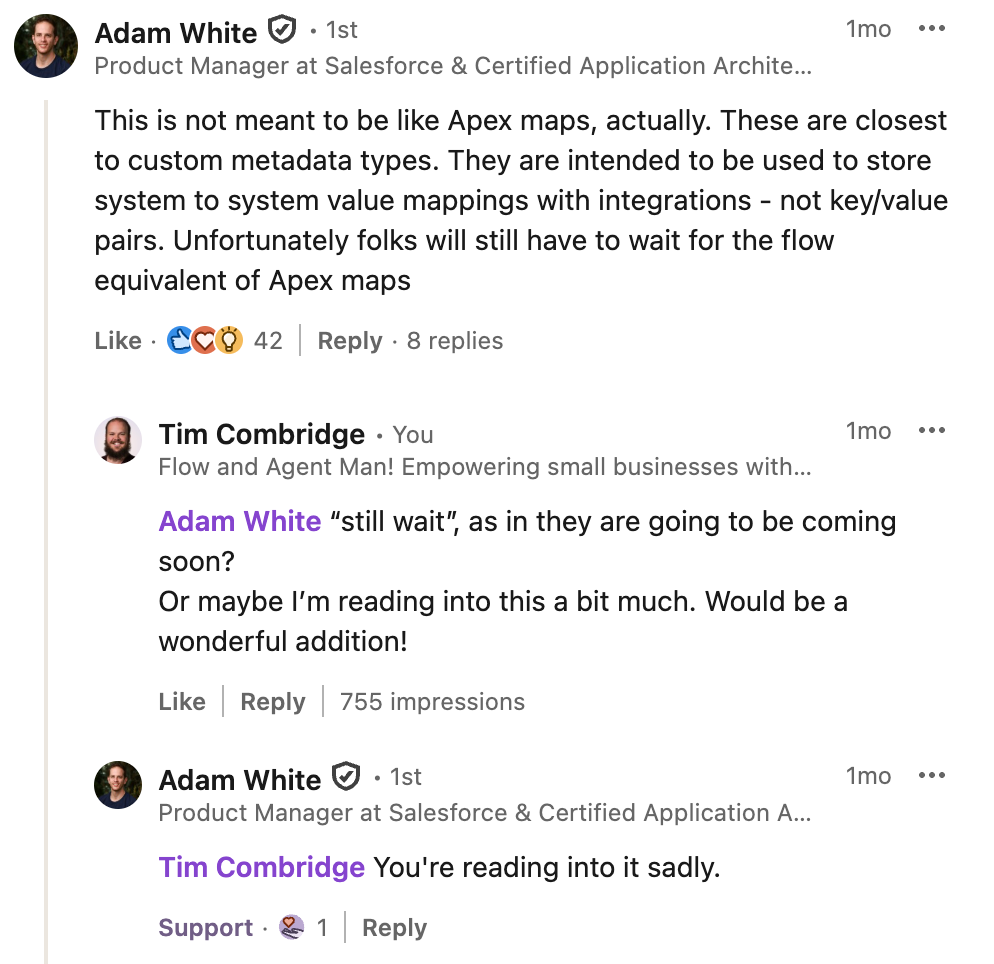
If you’re a developer who uses Flow, you’ve likely noticed the absence of a Map Collection type. For those who aren’t familiar with what a Map is, it is similar to a List Collection except that it essentially holds two connected values together at once – this is known as a key-value pair. Your key may be an ID, and the value might be the entire record.
Enabling a Map Collection in Salesforce Flow would reduce the amount of loop-within-loop logic that compares two Collections together by looping through one, and nesting a second loop to compare to another Collection. It would also enable admins and developers to default back to Apex less in scenarios like these.
I recently discussed the potential that this may be something prioritized by Salesforce in the short-term future with Adam White, but unfortunately, it doesn’t seem like this is the case.
2. Flow Folders for Easier Organizing
Although there are already a number of methods of filtering Flows by specific values in List Views, and organising by object in Flow Trigger Explorer, it would be beneficial to organize your Flows into custom folders. These folders would allow Flows that don’t share any value-based similarities and instead are grouped simply according to business requirements.
This functionality already exists for Reports and Dashboards and is even more critical now that Workflow Rules and Process Builder have been deprecated. With Flow being the main form of declarative automation, it makes sense to give admins and developers a bit more control over how they organize themselves.
As some have said in the comments on the idea, adding folders would allow for more granular sharing. The Automation app does solve some of the problems surfaced in this idea, but not all of them. Maybe I’m wrong – let me know what your thoughts are on social media!
3. Relative Dates in Scheduled Flows
Salesforce Flow currently does not have any native support for relative date fields, but this could be done with seemingly relative ease.
Take this one with a grain of salt – there are ways to handle this for some, but not all, circumstances. For Date and Datetime fields, Salesforce could update Flow Builder to support relative date fields. This exists today for Reports and even SOQL, so it would make sense for them to bring this to Flow.
While there are some ways around this today, it’s not the most flexible or elegant option. As the original poster points out, not every object supports the creation of Custom Fields. Nor should the solution require the creation of Custom Fields. If Salesforce has the tooling available to make this happen, and it’s a relatively low-effort enhancement, it would be one that makes a lot of logical sense to do. Many people are having issues with relative date filtering, and applying this change would resolve them.
4. Generative AI Flow Summary Generation
As the ‘Age of AI’ dawns, now seems like the perfect time to revisit this concept from a new perspective. We all know how important it is to document your Flows, but what if they could document themselves? As Salesforce (along with many others in the industry) invests more and more into generative AI, it stands to reason that it could be used to bring clarity to what has been built with a Flow.
What if Salesforce could read your Flow, figure out what it does at a high level, and provide a brief summary of the automation so that admins and developers can understand it at a high level? Better yet, what if this were tied together with the ability to search for functionality within a Flow? The possibilities are endless, and the time is better now than it has ever been before.
While we have indeed seen some progress on this ticket, there’s still no definitive way of managing Flow documentation without third-party solutions. The capability is there – it just needs some refinement and better integration into Flow Builder or the Automation App.
5. More Flexible Lookup Component
Adam White commented on this in November 2023 and more recently in January 2026, and provided an update on it, so we may see some traction very soon.
The idea is simple – what if the Lookup component provided a little more flexibility in terms of its search functionality? Instead of just being able to query a specific object, what if users could search across multiple? What if admins want a bit more control over what their users can search for or select?
There are implications here in terms of query vs search alongside a major underlying change to the Lookup component (in fact, this is what Adam was saying was the goal – find a true successor to the base Lookup component).
However, this is one of the things that was addressed by Salesforce. The current future of the Lookup component is the Choice Lookup reactive component, but Salesforce is also evaluating the future of the current Lookup component. A majority of the issues with it are due to the older API that is provided by the Salesforce Platform, and this is something that they’re aware of. The future is bright!
Bonus: Easy Bypass of Flows When Importing Data
Wouldn’t it be great if you could insert data into Salesforce exactly as it is in your source file? That’s what this idea points out! If you pre-configure your source data to contain specific values and be structured in a certain way, the native Salesforce tool offered by Salesforce should be able to allow for this data to be imported without being touched by automation.
While it is technically possible to bypass Flow and other automation by temporarily turning them off or applying some specific filter criteria (i.e. if Custom Setting “Turn off Flow” is TRUE, end the Flow), this idea proposes a simple bypass in the UI. This would empower businesses to perform imports during business hours without needing to switch Flows off, which would allow the rest of the business to continue operating as normal.
Final Thoughts
Life is what you make of it, and Salesforce can be made better through your own ideas, too! Full credit to the team at Salesforce that makes these things happen, but it’s important to appreciate that your ideas matter.
That’s why Salesforce brought the IdeaExchange to life in the first place. If you’re experiencing an issue with Salesforce, there’s a high chance that someone else is experiencing it too. That’s the beauty of the Trailblazer Community – we all help each other, we all share similar experiences, and we can all help to make Salesforce stronger as we move forward.





Comments: