
This fact isn’t new for architects: designing solutions on the Salesforce platform is all about deciding how it should be built. Deciding on answers to questions like, Should automation be handled with Flow or Apex? Or should data updates be driven by Platform Events or Change Data Capture? They are pretty common. And because the platform is so vast and customizable, there are many cases where multiple Salesforce tools and native solutions can solve the same problem. This tends to make architectural decisions surprisingly complex.
To help address this, Salesforce has introduced a new format for its Architecture Decision Guides, aiming to make it easier for architects and builders to evaluate different approaches and choose the right one for their use case. In this article, we’ll dive into what these decision guides are, why they’re beneficial, and why the new format makes them easier to understand (not just for architects) and apply in real-world scenarios.
What Are Salesforce Decision Guides?
Salesforce Decision Guides are resources published by Salesforce’s architecture team to help professionals determine which platform tools are best suited to specific scenarios. These guides have actually existed for some time, but the new structure provides a more consistent framework for evaluating platform features and the trade-offs between them. They can be found in Salesforce’s Architecture Center.
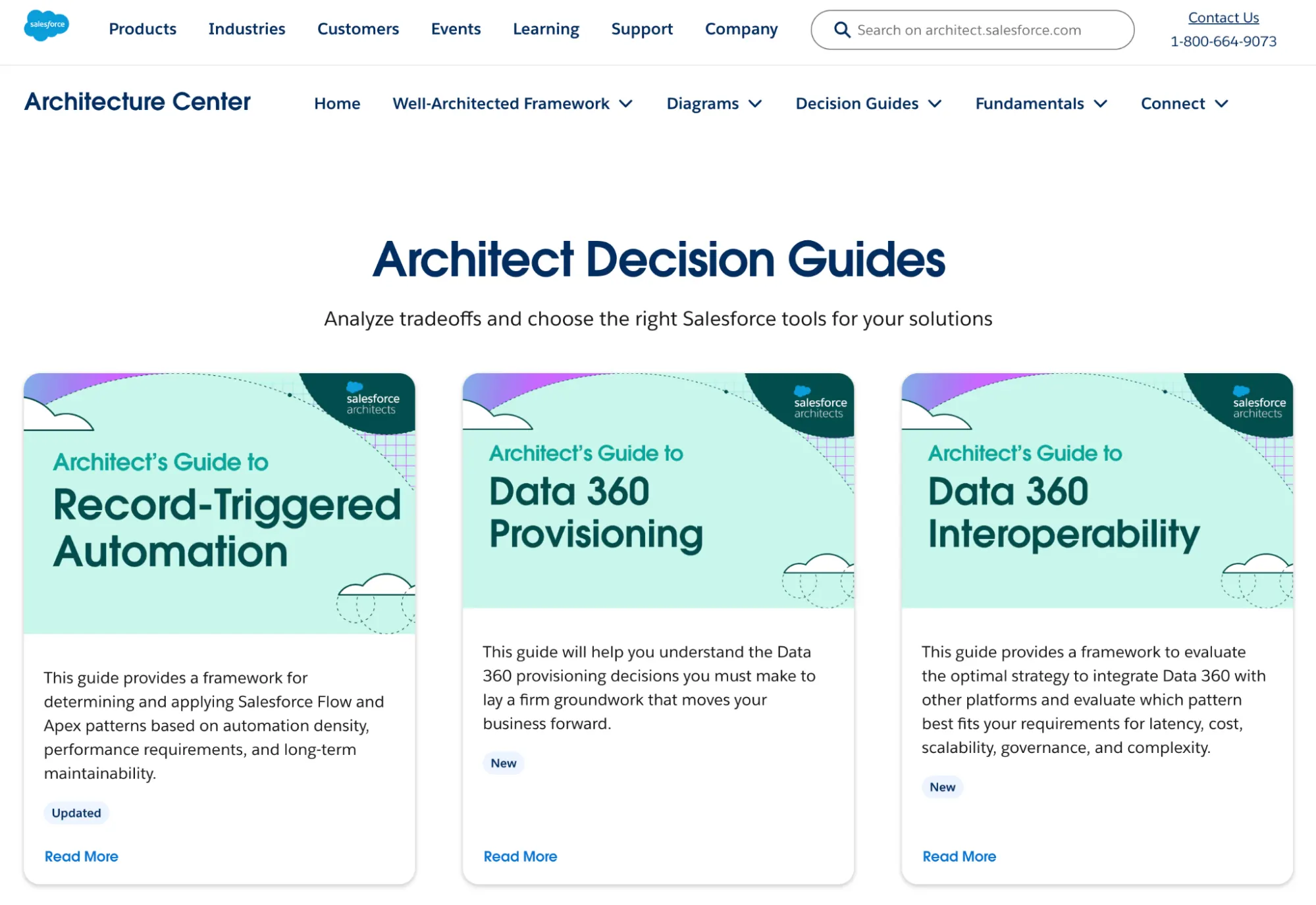
Usual docs from Salesforce Help simply document how a feature works, and while those are already helpful, these guides focus more on architectural decision-making. They compare different options, highlight important considerations, and provide practical guidance on when one approach might be more appropriate than another.
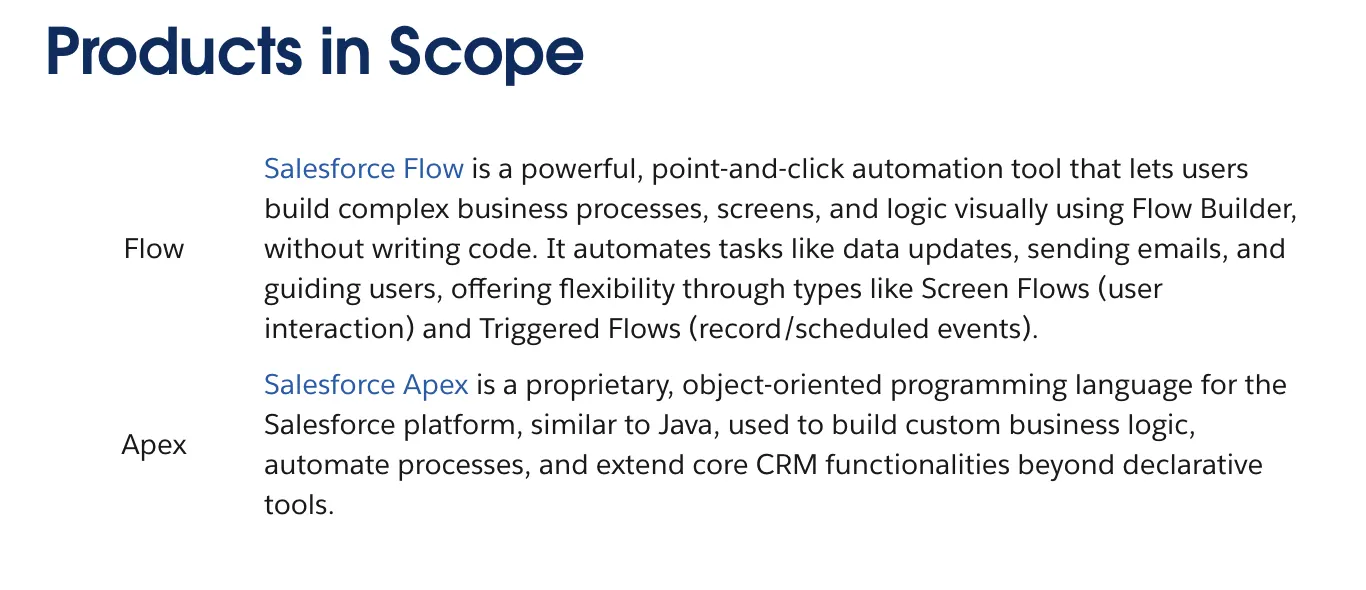
For example, one of the most common decisions architects face is choosing between Flow or Apex for automation. Both tools are undeniably powerful and widely used, but each comes with different strengths, trade-offs, and maintenance considerations. Reading through a Decision Guide can help clarify those differences and ultimately help architects make more informed choices.
The New Decision Guide Structure
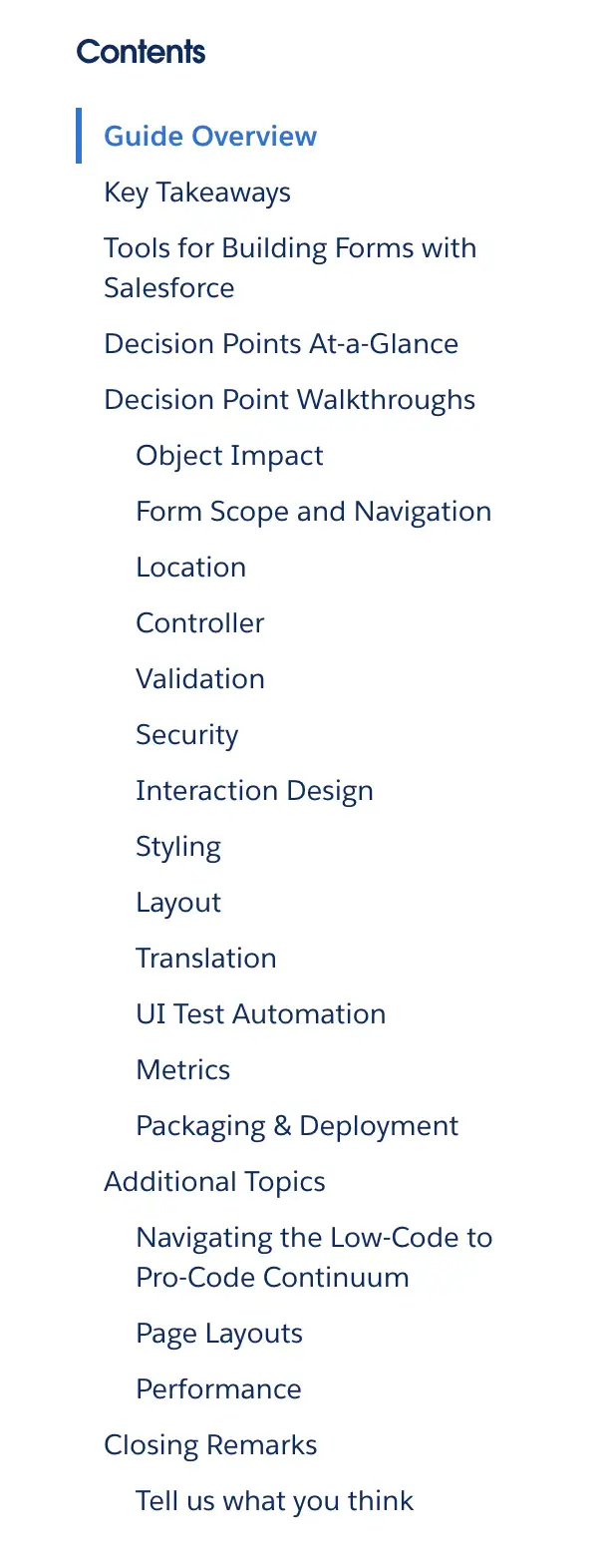
The updated format introduces a standardized structure designed to make decision guides easier to scan and apply in real architectural discussions. It walks readers through the key factors that influence a technical decision so they can better and more effectively evaluate trade-offs.
Before looking at what was added, let’s start off with what Salesforce chose to remove:
Sections that previously appeared in the guides – Additional Considerations and Closing Remarks – have been retired. According to Salesforce, these sections often overlapped with other parts of the guide and didn’t always add meaningful guidance for readers trying to make a decision. So by removing them, the new format is more easily navigated and keeps the focus on the sections that directly support architectural evaluation.
After simplifying the structure, Salesforce also introduced several new sections, like Products (or Features) in Scope, Key Concepts (or Decision Points), as well as Non-Functional Considerations. Together, these sections establish the foundation of the decision guide by outlining the tools being compared and the architectural factors that should be considered when choosing between them.
And of course, they didn’t just add and remove sections – they refined existing ones too. The Product Comparison and Use Cases sections have been expanded to make it easier to understand how different tools apply to real-world scenarios. These were previously “Overall Product Comparison Table” and “Scenarios”, respectively.
One of the first resources to adopt the new format is the Record-Triggered Automation Decision Guide, which helps teams determine when automation should be implemented using Flow versus Apex.
Given how common this decision is in Salesforce environments, it’s a perfect example of how the new structure can help clarify architectural trade-offs. The guide also introduces the concept of “automation density”, which refers to how much automation is concentrated around a single object or process. This term was particularly new to me, and it doesn’t seem to be a widely used term across the ecosystem yet. This guide gives a name for the pattern, which can help teams better recognize and discuss situations where automation becomes overly complex.
We actually discussed the Record-Triggered Automation Decision Guide in an episode of the Picklist Podcast, where we talked about how this guide can end the ongoing Flow versus Apex debate.
Architectural Thinking Is Non-Negotiable
This reflects a broader view on how Salesforce is encouraging teams to approach solution design on the platform. We can no longer deny that AI has changed the roles of Admins, Developers, Consultants, etc., making it easy to build.
This shift is also reflected in how Salesforce roles themselves are evolving. As explored in our articles on how the Admin and Developer roles are evolving in 2026, professionals across the ecosystem are increasingly expected to think beyond just building and configuration, or pieces of code, and consider how systems fit together in the long term. In fact, many industry voices note that admins are being pushed toward more architect-level thinking.
As the platform continues to grow in complexity, these considerations are becoming increasingly important, and I’d argue that this kind of thinking is no longer optional. Decisions made early on (especially around automation and integrations) can have lasting implications for maintainability and scalability in an org.
With that being said, while these guides can be found in the Architecture Center and are normally associated with Architects, they can actually be valuable for a much wider audience. Admins, developers, and even consultants frequently face similar decisions when designing solutions. A structured framework for evaluating different options will definitely help reduce uncertainty and prevent technical debt later on.
Summary
The Salesforce platform continues to build on existing functionality, growing and improving with each release. There’s no doubt that the future holds new capabilities for more advanced automation and AI-powered features.
The Architect Decision Guides aim to help teams navigate these choices by providing structured guidance on evaluating different platform approaches, and the new format now makes them easier to scan and reference when working through design questions in real time. Resources like these help clarify how to approach solution design, which is becoming increasingly important even for non-architect roles.
So if you haven’t seen these decision guides yet and are a professional looking to deepen your architectural understanding of Salesforce, this is a practical place to start.