






If you’ve logged in to your preview sandbox recently and tried to get into the Dev Console, don’t panic if you couldn’t find it. You’re not imagining things, and you’re not alone. A Reddit thread blew up over the past few days with developers and admins comparing notes on orgs where the Developer Console had quietly vanished from the gear icon.
Salesforce has confirmed there is a reason for this. If you want to know what it is (and how to get the beloved Developer Console back for now), read on.
Is the Developer Console Gone For Good?
No, not really. But Salesforce is replacing it with the Web Console, which my colleague Tim was right about here.
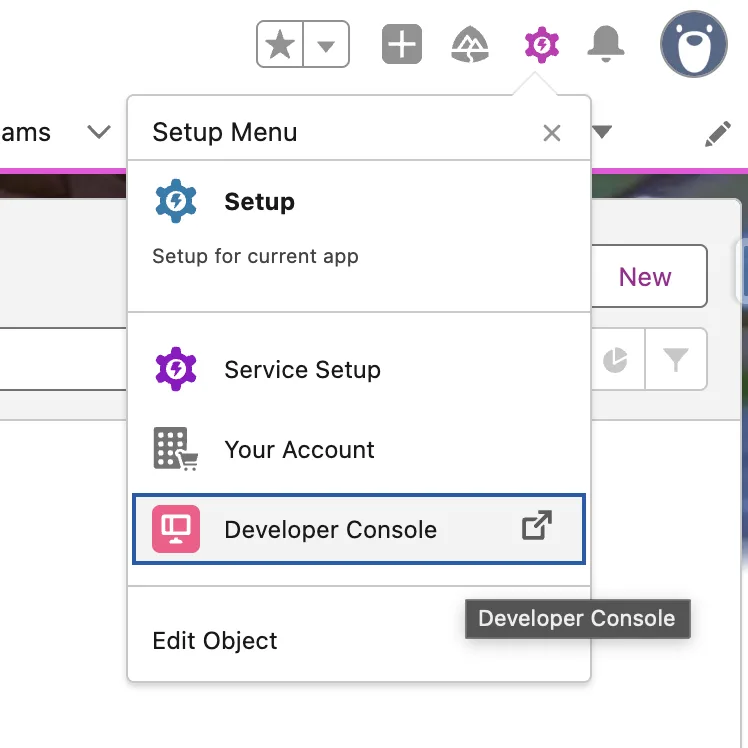
The Developer Console has always been present, and as something that’s been used for a long time, I know many users are so familiar with it. The good news is that at this time of writing, Developer Console has not been removed. It has, however, been switched off by default.
The Web Console is currently in beta but is heading to General Availability in Winter ’27, so Salesforce made it the new default in-browser and in-Salesforce IDE as part of that rollout. For most orgs, that meant Developer Console simply stopped showing up under the gear icon.
Why Replace a Simple and Well-Loved Tool?
The Developer Console has been around since 2012, and for something so old, you’d expect it to be long overdue for a refresh. Web Console is the answer to this, as it is built on VS Code for the Web with Salesforce extensions, and it’s positioned as the eventual full replacement for Developer Console.
According to Salesforce, it already covers Apex and LWC editing, Anonymous Apex, SOQL queries with Query Plan, and Apex testing, with Apex Log Analyzer support (via Certinia) coming soon.
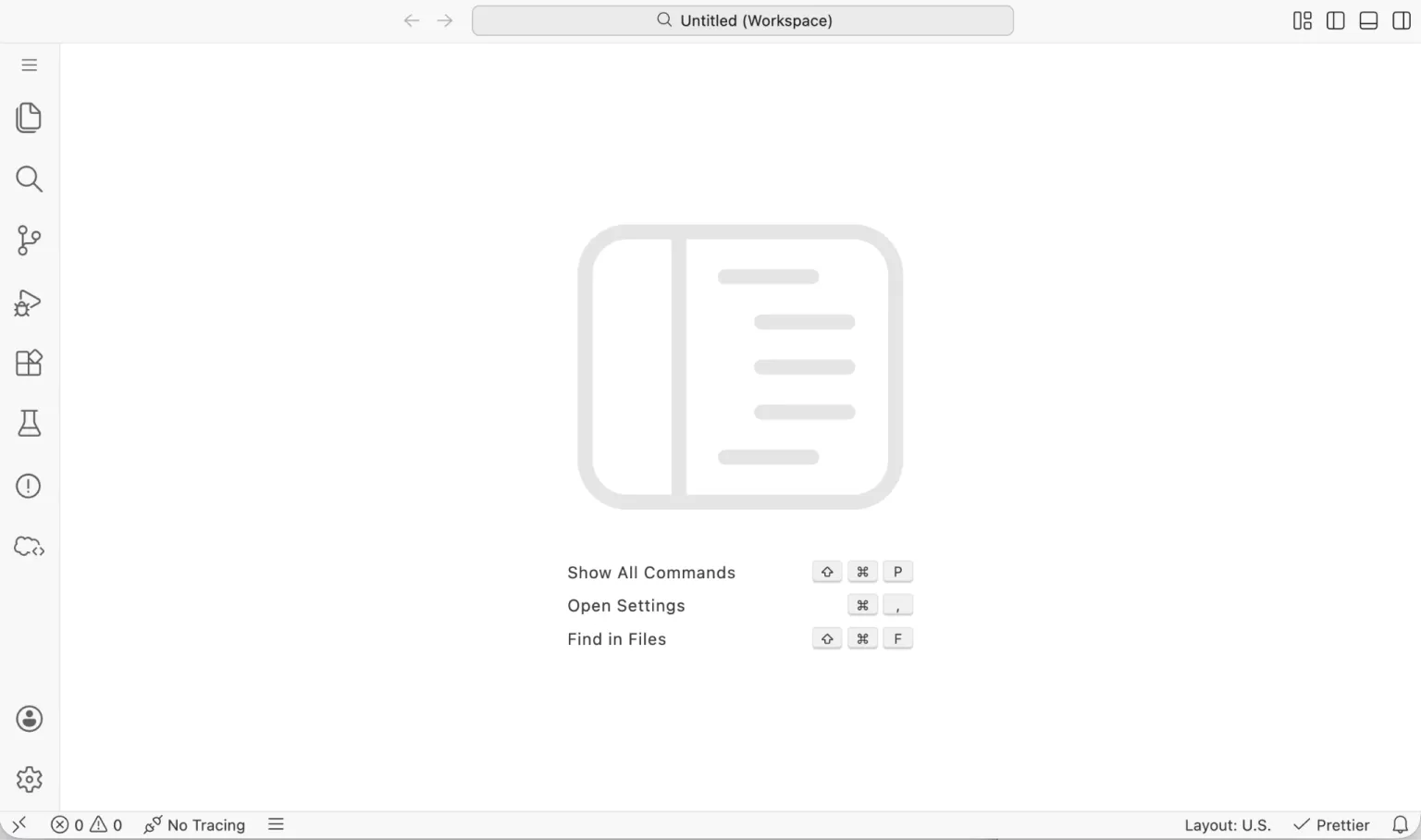
There’s no confirmed end-of-life date for Developer Console yet, but Salesforce says the plan is to fully retire it once feature parity is there (hopefully with advance notice before that happens). While I do think the Developer Console is indeed due for a glow-up, a lot of people aren’t too happy with this change. The simplicity and functionality of the Dev Console is what made it a very useful tool. Learning it as a newbie admin never felt intimidating, to be honest.
Not everyone in the thread is convinced Web Console is there yet, either. A commenter pointed out that viewing logs, running Anonymous Apex, and checking test coverage aren’t as straightforward in Web Console as they are in Developer Console, and can require pulling metadata down separately instead of doing it inline.
Another factor is the messaging from Salesforce – there was no documentation of the Developer Console being disabled, so people who use it often were caught off-guard when they suddenly couldn’t find it.
Someone from Salesforce’s product team commented on the relevant thread and admitted this as a miss on the timing of getting that documentation ahead of the actual rollout. Admins ended up finding out about a default-editor change by discovering it’s gone rather than reading about it first. It’s not the first time this has happened this year either, with all the buzz going on about the recent MFA requirements and backtracking on the retirement of permissions in profiles.
How to Get Developer Console Back
While the Developer Console isn’t fully retired yet, the good news is that we still have access to it. If your org is affected and you want it back for now, this is all it takes:
- Go to Setup and search for Web Console.
- Find “Enable Developer Console to: “ and toggle the switch to Active
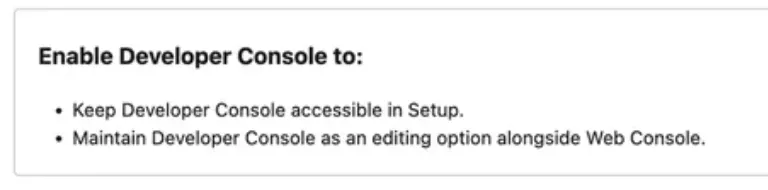
Refresh the page, and it’ll reappear under the gear icon like normal.
This applies org-wide if you’re doing it as an admin, so one toggle should bring it back for every user that has access to it.
Note: if you’re on GovCloud, there seems to be a bug at this time of writing. Affected users don’t even see the Web Console option in Setup, so if you’re one of them, check out this Known Issue and tag yourself as affected to keep track of patch fixes to be released.
Final Thoughts
You’re not forced to switch to the Web Console now, but this is a clear sign that the best way to future-proof yourself is to start getting familiar with it. When Salesforce eventually sunsets the beloved Developer Console, it would hurt much less if you’ve already gotten comfortable with its replacement.
Since Web Console is optimized for troubleshooting Apex issues in context, that’s a reasonable place to start, and you can work your way through the rest of its features from there. Developer Console being one toggle away for now is good news, but Winter ’27 will choose for you eventually.





Comments: