

Today’s Salesforce Admins are expected to do more with less, which is a challenge that extends across many roles in the Salesforce ecosystem. The reality, however, is that there are only so many hours in the day. Balancing projects, user requests, and day-to-day support often means switching into firefighting mode when something unexpected goes wrong.
While those moments are sometimes unavoidable, there are practical ways to reduce how often they happen. In this article, we’ll explore how you can be a more proactive vs. reactive Salesforce Admin by taking a critical thinking approach that helps prevent problems before they arise, allowing you to spend less time putting out fires and more time delivering value.
What Is a Proactive vs. Reactive Salesforce Admin?
Before we dive in, let’s set some expectations. Understanding what makes a thoughtful and impactful Salesforce Admin provides a useful foundation before exploring the day-to-day habits that help them move from being reactive to proactive.
A proactive Salesforce Admin doesn’t just respond to requests as they arise. They take the time to understand the wider business context, anticipate future needs, and make decisions that deliver lasting value. A Proactive Salesforce Administrator is;
“Someone who proactively designs scalable, user-friendly, and secure solutions that enhance collaboration, optimize processes, and drive success.”
Be an Active Contributor
As a Salesforce Admin, it’s easy to fall into the mindset of, “this isn’t my job,” particularly if you’re part of a larger team or working alongside a consultancy for specific projects. While there may be clear ownership boundaries, the reality is that if something goes wrong, you’ll almost certainly be involved in resolving the issue alongside everyone else.
Instead of simply observing, look for opportunities to raise potential risks, highlight dependencies, or ask clarifying questions during backlog refinement sessions, sprint planning, or solution discussions. Speaking up early can prevent much larger issues later.
Sprint Planning is another opportunity to make an impact. Share your perspective if you believe the team is committing to too much or too little. Your understanding of the platform and its limitations can help set realistic expectations.
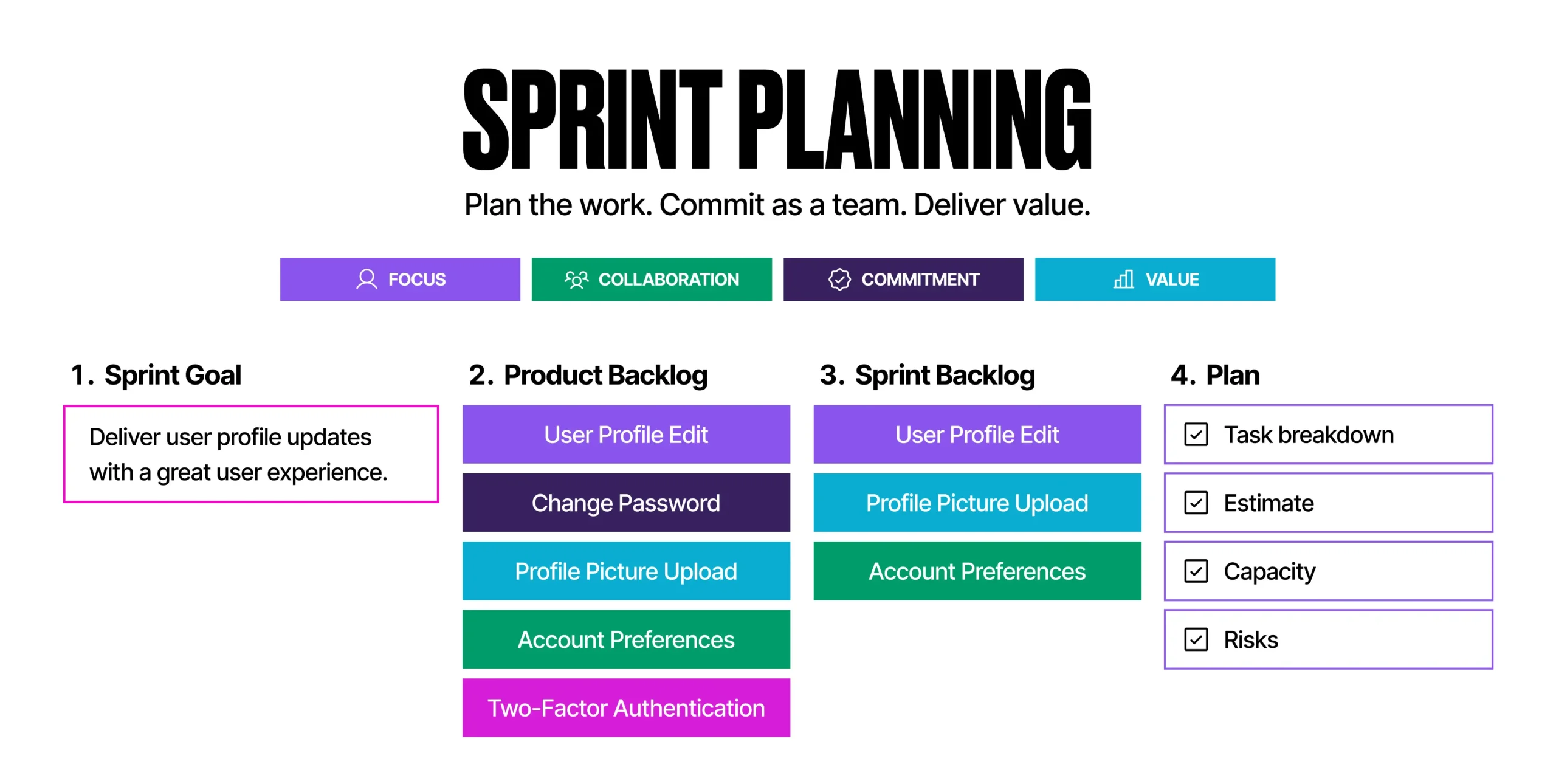
Raise blockers as they appear so the team can help remove them, and don’t be afraid to offer constructive feedback on what’s working well and what could be improved. Continuous improvement relies on everyone contributing.
As your experience grows, you’ll likely take ownership of smaller projects from idea to implementation. The most successful admins don’t consider their work finished at deployment; they continue to gather feedback, monitor adoption, and look for opportunities to refine and improve the solution long after it has gone live.
Understand the Problem Before Building the Solution
Over time, I’ve learnt that before jumping straight into building a solution, it’s far more valuable to understand the underlying business process and experience the challenges users face firsthand. As tempting as it can be to solve every problem with a Flow, Custom Field, or Validation Rule, taking a step back first often leads to better outcomes. After all, automating a bad process doesn’t resolve the problems with the process itself.
Building strong relationships with your key stakeholders can also pay dividends. When people feel listened to, they’re often more open about the frustrations they experience and the root causes behind them. Those conversations frequently uncover opportunities to simplify or even eliminate a process, rather than simply building it out.
Once you’ve identified the right solution, adopt a clicks-not-code mindset wherever practical. Declarative solutions are typically easier to understand, maintain, and hand over to the next administrator. While there is a place for Apex, it shouldn’t be the default if you can achieve the same outcome through configuration.
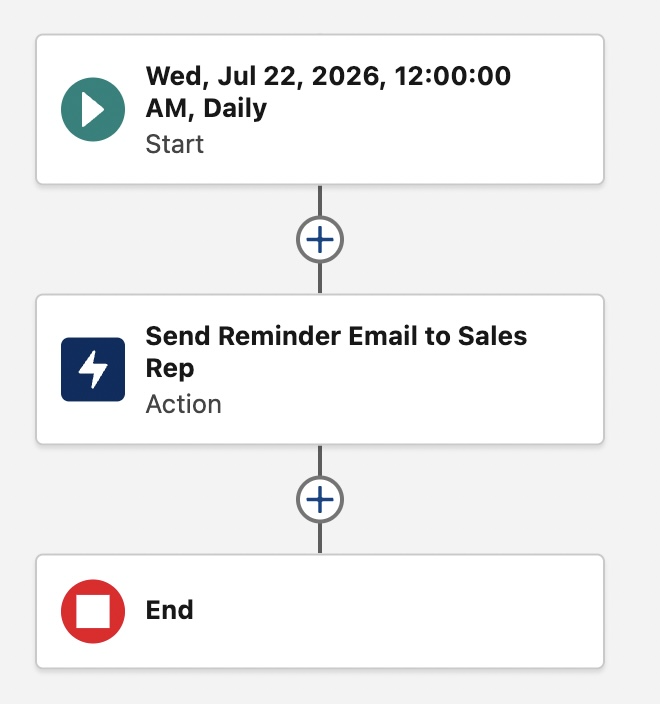
Salesforce also encourages a composable approach to solution design. Rather than creating one large Flow that tries to do everything, break common logic into reusable subflows that can be called from multiple automations.
Likewise, consider storing configurable values in Custom Metadata instead of hard-coding them elsewhere. Think of your solution as a set of building blocks rather than a single solid structure. When business requirements change, you can replace or extend your building blocks instead of rebuilding the entire solution.
Ultimately, a thoughtful and impactful Salesforce Admin spends just as much time understanding and simplifying the problem as they do configuring the solution.
Build Easy-to-Understand Solutions
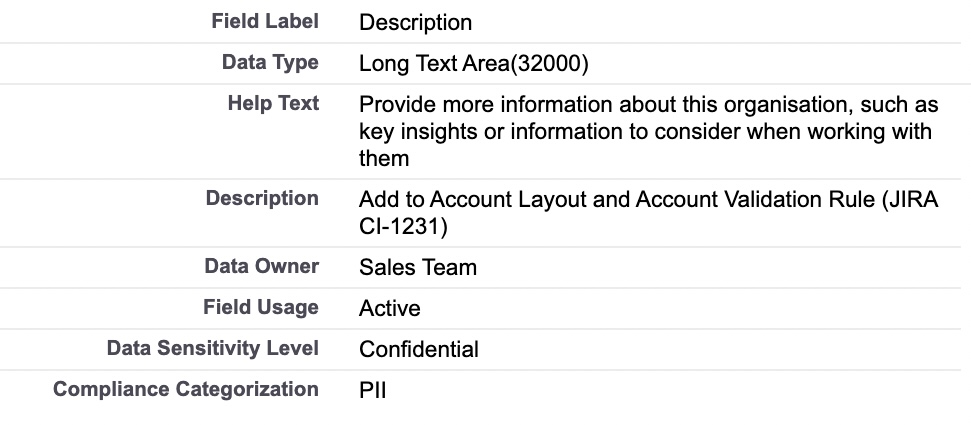
Whenever you build something in Salesforce, add descriptions. A good description helps your future self and others understand what was introduced, when, and against which Jira Ticket, saving you from having to reverse-engineer your own solution down the line.
For Custom Fields, add Compliance Categories, Data Sensitivity, Data Owner, and Field Usage to paint a clearer picture of your org’s data. This helps you and your team, as well as AI tools trying to make sense of things. Wherever these details are supported, fill them in.
Naming conventions do a lot of heavy lifting too. A clear, consistent convention means you can glance at a Flow, Permission Set, Permission Set Group, or Lightning Record Page and immediately understand what it’s doing, without having to dig in further. You may already have conventions in place. If not, here are some starting points:
| Metadata Type | Convention | Example |
| Flow | Object + Trigger Type + Purpose | Lead – BeforeSave – Set Region |
| Permission Set | Object + Access Level | Account – CRED |
| Permission Set Group | Function | Sales Team |
| Lightning Record Page | Object + App | Account – Sales Central |
Custom Labels are best known as a way to translate your org into multiple languages, and they can be used across Lightning Pages, Flows, Formula Fields, and Validation Rules. But even if multilingual support isn’t on your radar yet, they’re still worth using. You can store a phrase in a Custom Label, reference it everywhere, and if the terminology ever changes, you only need to update it in one place.
A few best practices also go a long way:
- Assign permissions via Permission Sets and Permission Set Groups rather than Profiles.
- Design automations to handle records in bulk, not just one at a time.
- Avoid mirroring titles in your role hierarchy; use fewer layers grouped by function instead.
- Consider logging Flow and Apex errors temporarily so you can investigate root causes and put fixes in place before users hit the same wall twice.
Before rolling out a new solution, think critically about the impact on existing users and data. Making a field required, introducing a validation rule, or adding a duplicate rule can all have unintended consequences if existing records don’t meet the criteria. This can break automations that depend on those records, and leave users stuck cleaning up data before they can get back to the job they were actually trying to do.
Any Custom Automation you build should include Bypass Logic. If you ever need to run a data load or handle a one-off exception, this gives you a way to bypass the automation for a specific user, without switching it off for everyone else.
Prepare for Change
Whether you’re personally a fan of change or not, it’s guaranteed. The question is how ready you are for it.
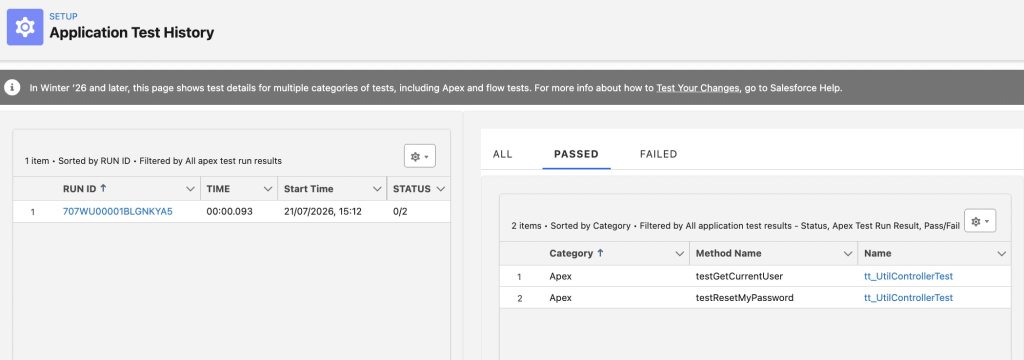
When developing new features or enhancing existing ones, plan for users to complete User Acceptance Testing (UAT) to validate that the solution meets their requirements. It’s also worth maintaining a catalog of regression tests, so you can quickly confirm that existing ways of working haven’t been impacted by new releases or functionality. As a matter of good org hygiene, run Apex Tests regularly, as changes elsewhere can cause these to fail.
When it comes to deployments, champion a Release Manager mindset. That means having a rollback plan ready in case something goes wrong, and deploying to Production outside of working hours to avoid impacting users.
Share Release Notes so people know what’s in each release, and where to go if they have questions or issues. You should also have a process in place to prepare for each major Salesforce Release: Winter, Spring, and Summer.
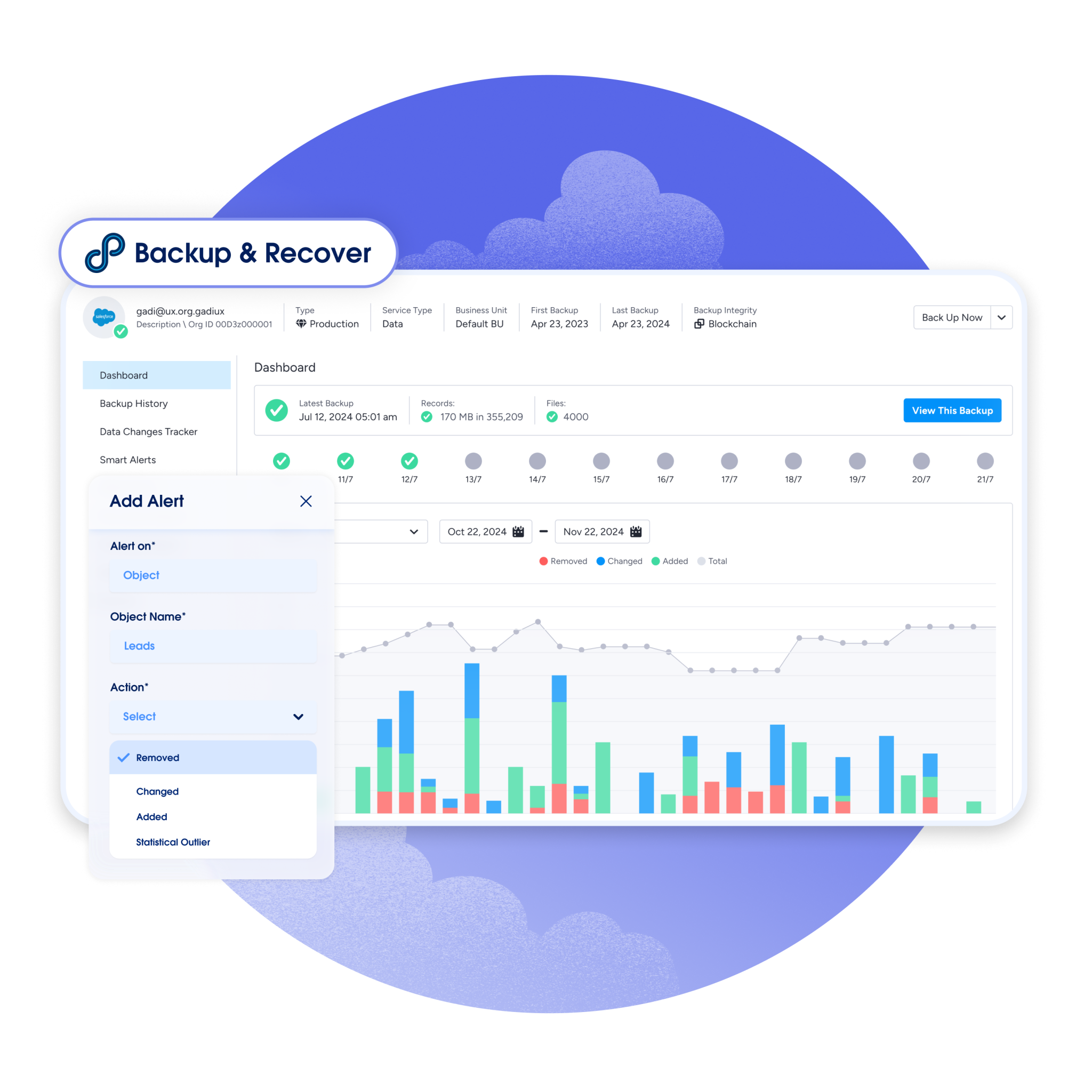
It might be easier to bury your head in the sand, but the landscape of AI threats to system security is real and could take your system offline or cause you to lose or leak data. Having a backup and restore solution in place can help if data is ever lost, and having a plan for what happens if Single Sign-On (SSO) goes down will help ensure users retain access during an outage. Alongside disaster recovery plans, establish a clear approach for communicating system maintenance to users.
Descriptions and naming conventions are great, but they don’t amount to full documentation on their own. You should also document design decisions, your data model, permissions, and system usage by persona, so you can understand the impact of future changes more quickly. It’s also worth listing automations alongside their triggers. This makes them easier to understand and reduces the risk of automations repeatedly triggering each other.
Be prepared for feedback and treat it as an opportunity to improve rather than a criticism. You can support users with In-App Guidance, or give new starters a dedicated Trailmix to help them get to grips with Salesforce Fundamentals like List Views, Reports, and Dashboards, to help free you up for more high-impact tasks.
Champion the Use of AI
In today’s job market, companies are increasingly being asked to “do more with less” and that’s exactly the kind of challenge AI tools are well placed to help solve.
When it comes to implementing an AI tool, don’t just switch it on and hope for the best. There are data protection, security, and governance considerations to work through first, especially if you operate in a more regulated geography or industry.
AI can help a lot, and while getting started might feel daunting, once you have your own assistant up and running, it can pay real dividends for your efficiency.
AI can record and transcribe meetings, making it easy to keep track of attendees and follow-up actions without needing to pause the conversation to take notes. It can also help you develop the system itself. Tools like Agentforce Vibes or Claude Code can speed up how quickly you build new features and functionality.
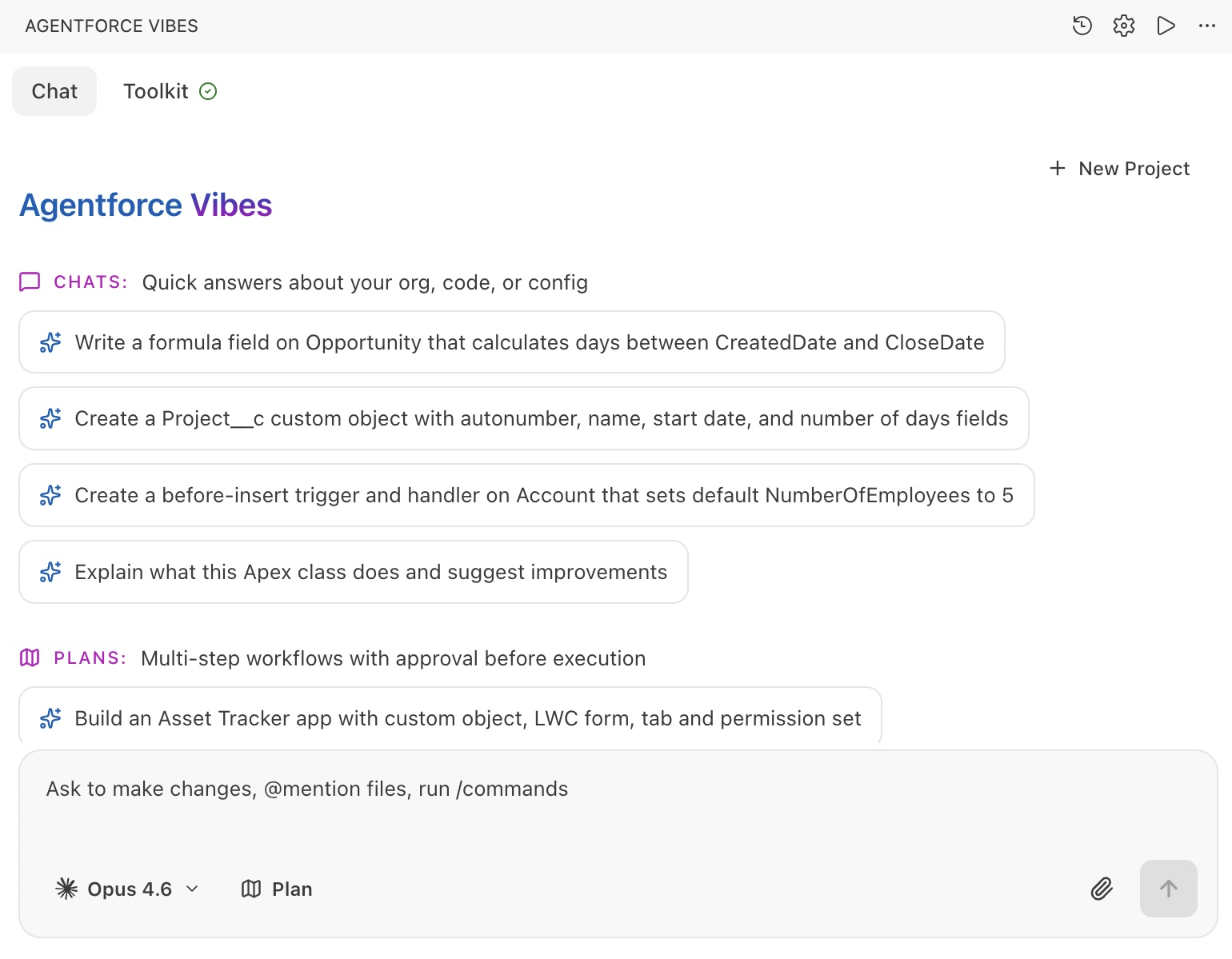
AI is also a great way to summarize information or ask questions about your data. This is becoming more common in practice, with AI assistants such as ChatGPT and Claude now able to query Salesforce directly to answer questions like “What are the most important deals to focus on this week?” or “What percentage of clients are based in EMEA?”
Summary
There are many paths you can take to become a more proactive Salesforce Admin today.
Whatever you choose to prioritize first, treat it as an iterative process. This means whatever you learn today can leave you better equipped to solve future challenges.